 ReinTrace
Free
No account, no ads
- The full journal: notes, horses, instructors, skills
- Horse playbooks and the Skill Map
- Video player and video import
- Monthly and year-end recaps
- Export & Backup, restore on any phone

Horse riding journal
Write down what your instructor said, mark the stride in your riding video, and read each horse’s playbook before you ride again.
Free download · No account
Available in 12 languages
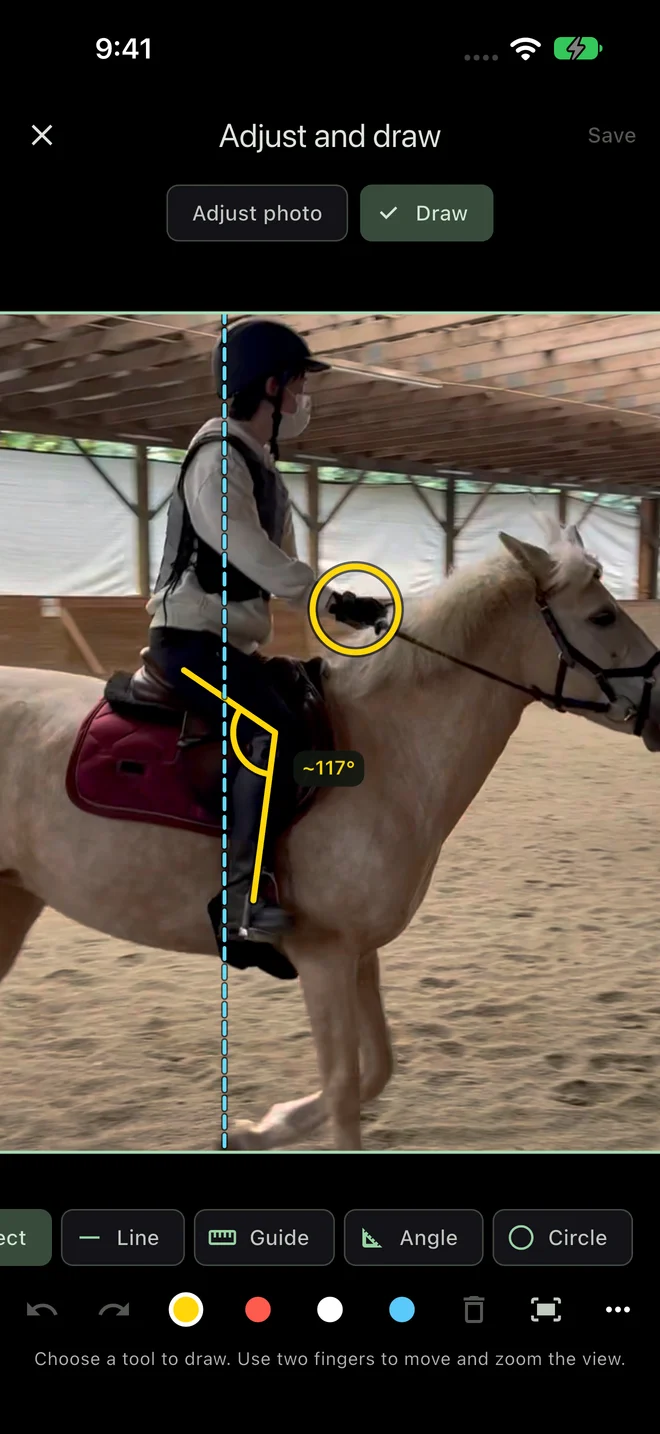
01 Note it
Pick Lesson, Practice, Clinic, Show, or Trail, type what you want to remember, and tap the horse and instructor. One line is a complete note. Add photos, a video, or the skills you worked on whenever you have a minute.
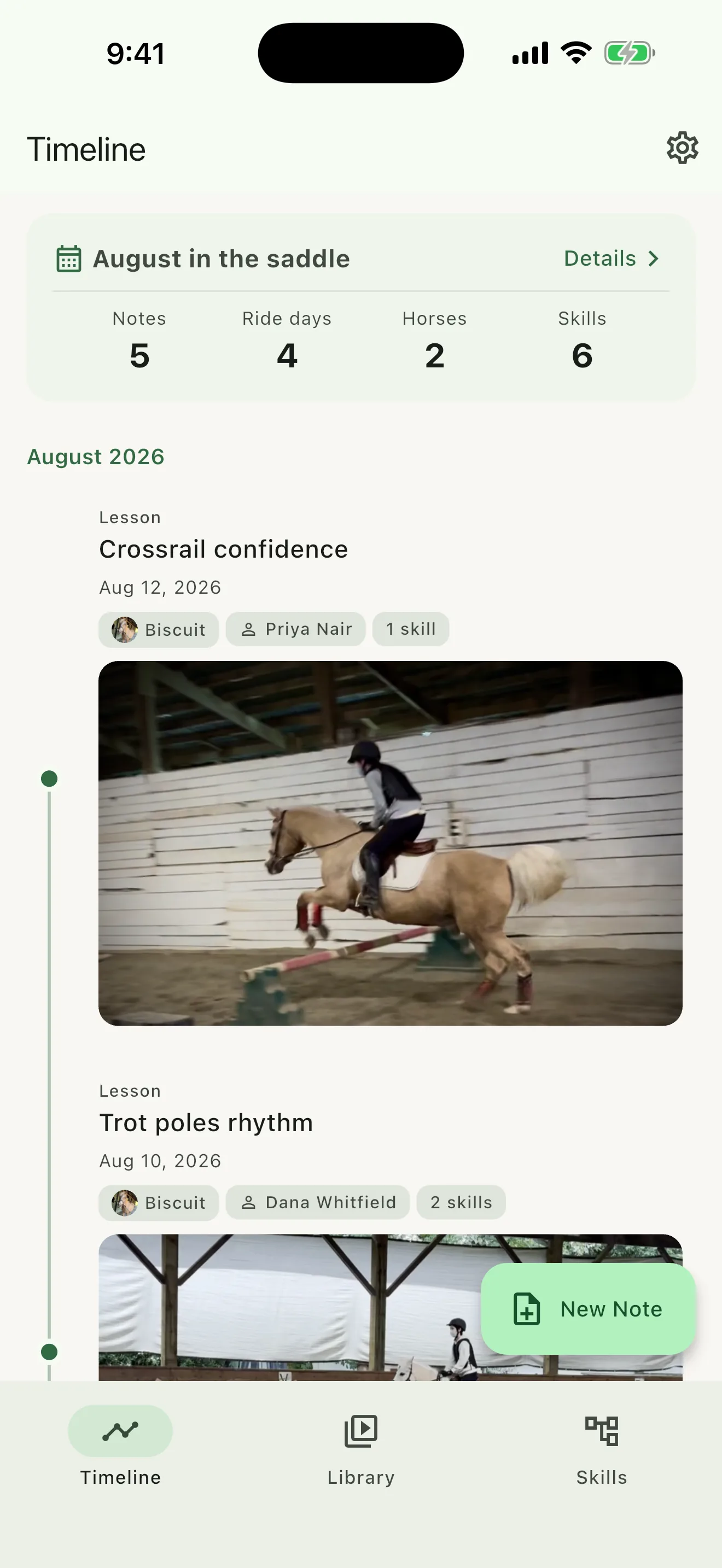
02 Mark it
Your riding videos play right inside the note, with a scrubber and full screen. With Rider Pro, slow the clip to half or quarter speed, mark the moment the canter came through, and write what happened there.
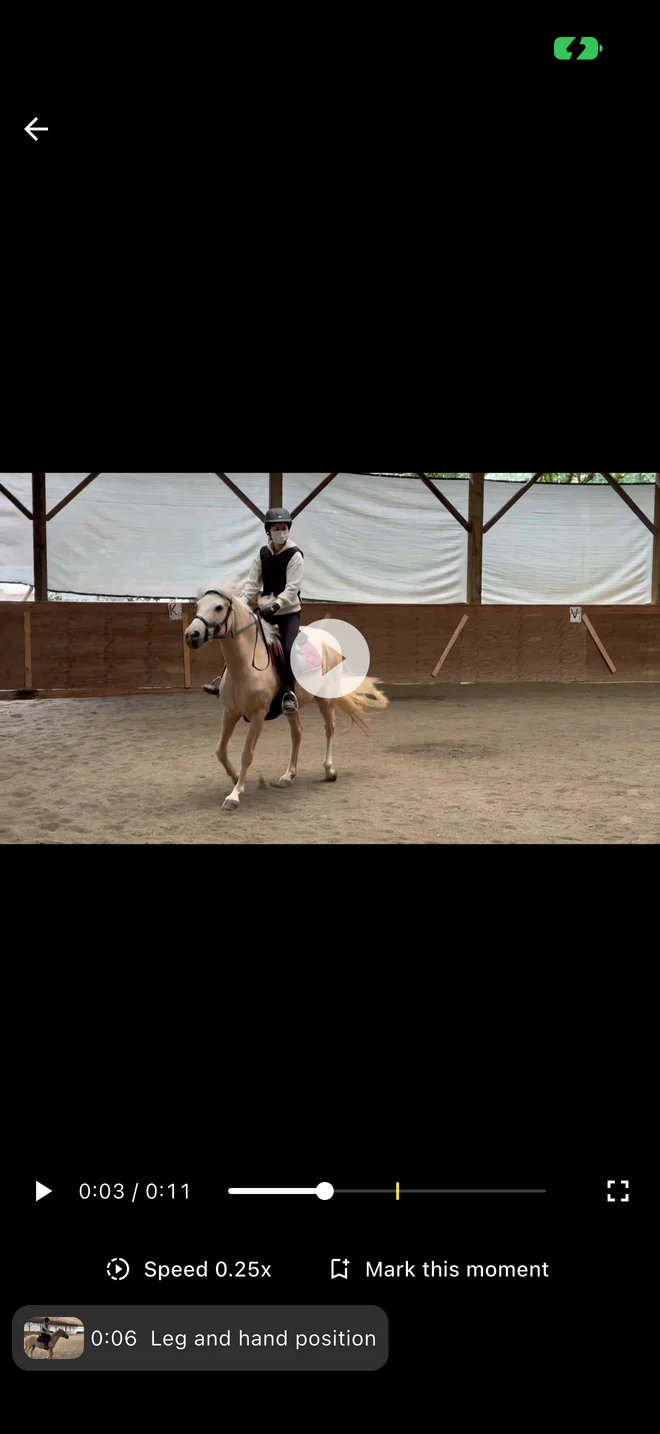
03 Compare it · Rider Pro
Pick two riding videos, say the same trot down the long side a season apart. Bring both to the same point in the stride and look at the two frames together. Whether you still tip forward, or your leg finally stays under you, is right there.
04 Draw on it · Rider Pro
Open a saved still and draw on it: a line along your lower leg, a vertical guide, a circle around your hands, an angle at the knee. Undo and redo as you go, and zoom or rotate the photo. On a comparison, adjust each frame on its own.
Then export it as a PNG with the ride details and a question for your next lesson.
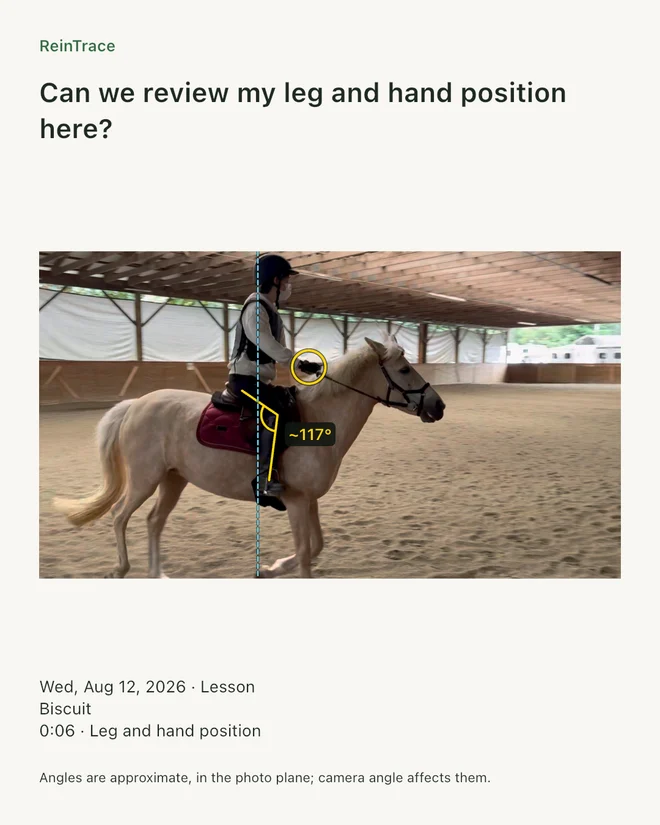
Try it here · a simplified version on a sample still
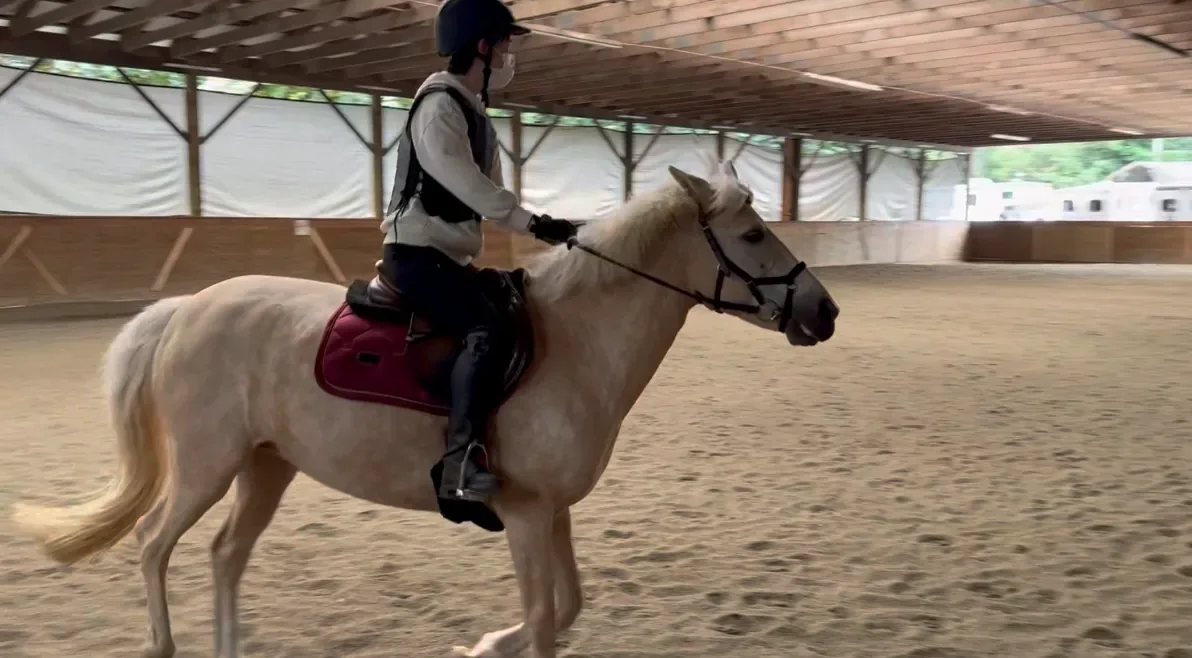
Angle: Tap the first end
Angles are measured in the photo, so where the camera stood changes them. Use them to point at a moment, then talk it through with your instructor.
05 Ride with it
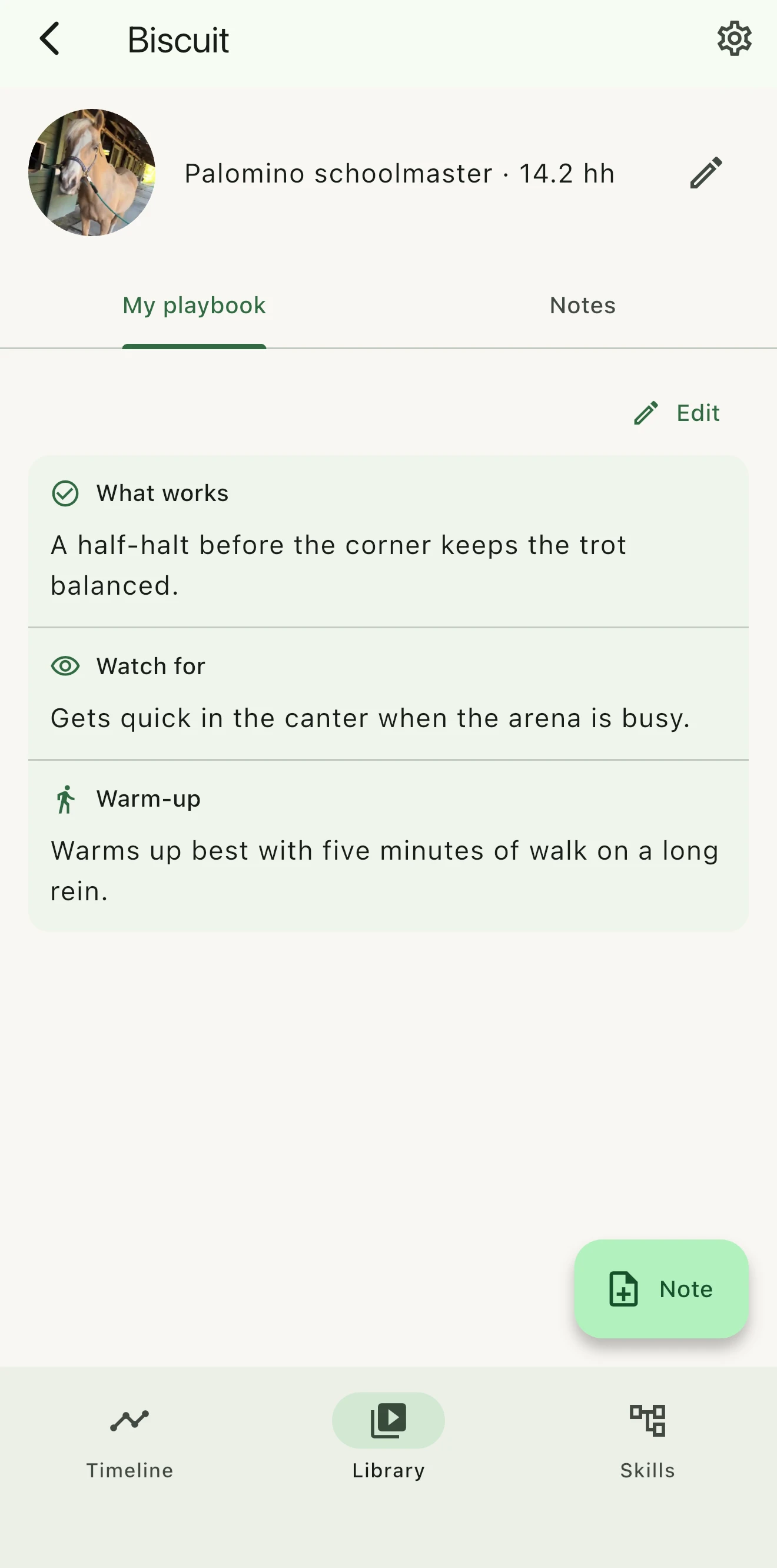
Each horse keeps a short playbook beside its notes: what works, what to watch for, and how to warm up. It is the page to open in the barn aisle, especially on a lesson or share horse.
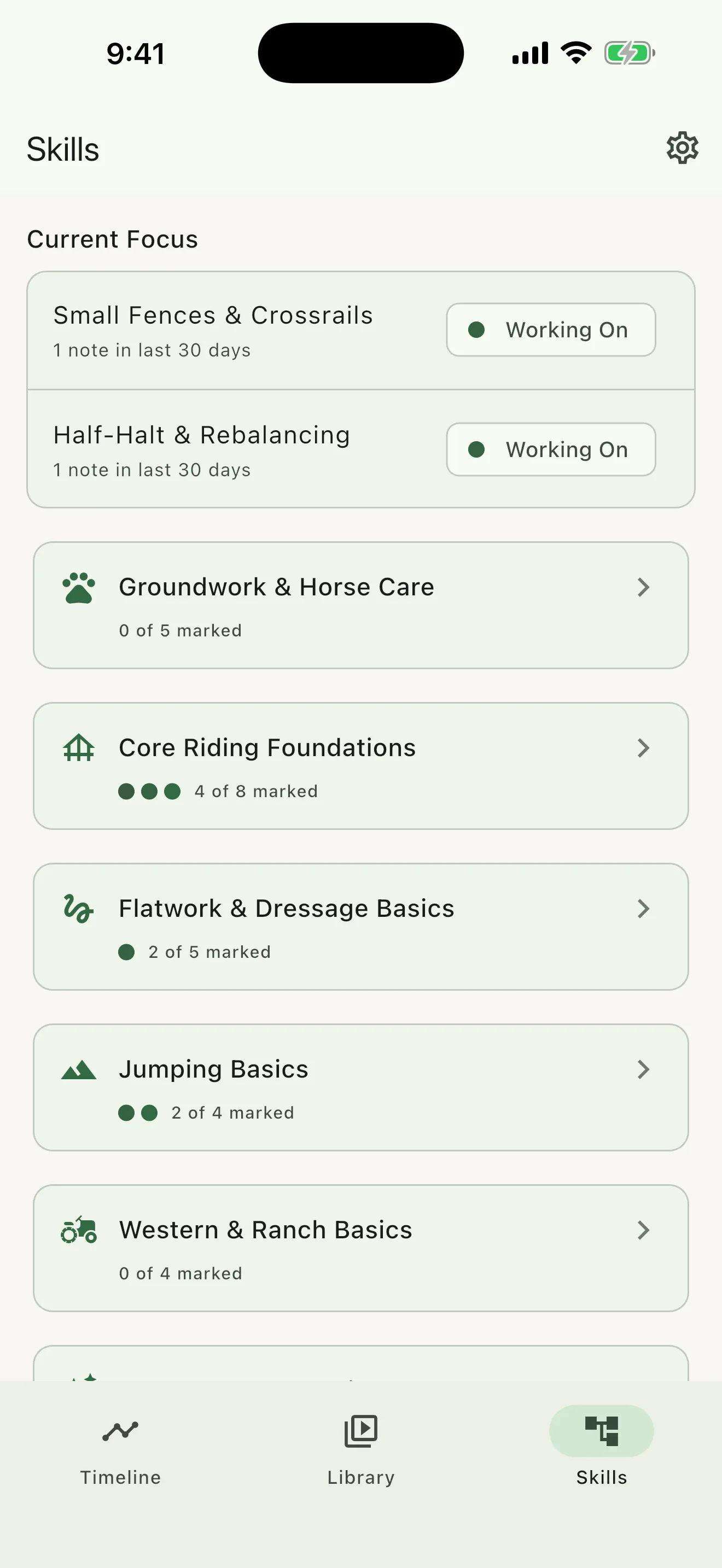
The Skill Map shows what you are building between lessons, from Want to Explore to Comfortable, with your current focus pinned at the top and the rides behind each skill one tap away.
Rider Pro’s care log keeps vet, farrier, and dentist visits with each horse, ready to review before the next ride.
Already filming every ride?
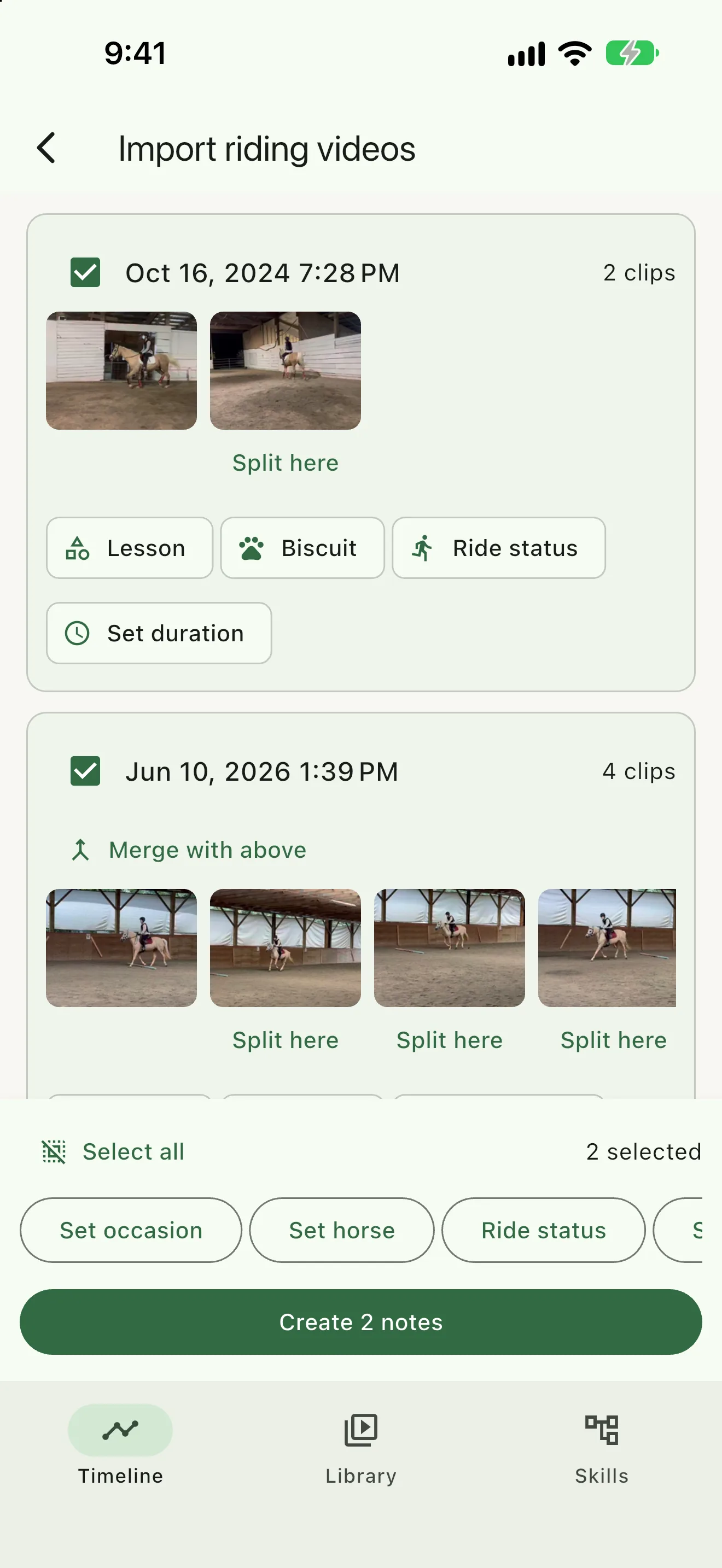
Pick up to 200 clips from your phone. ReinTrace groups them into sessions by date, you set the horse and occasion once, and each session becomes a note you can search. Import is free.
No account, no ads
Monthly, or a one-time Lifetime purchase
Lifetime is one purchase that never renews. If a subscription ends, your journal stays yours.
ReinTrace is a horse riding journal for iPhone and Android. Use it for lessons, practice, clinics, shows, or trail rides. It keeps your notes, what your instructor said, the horses you ride, the skills you are working on, photos, and riding videos together, so what you learned is still there before the next ride.
Write a line or two right after the lesson and link it to the instructor and the horse. Later, open the instructor to read every lesson together, or open the horse to see everything you have written about it. A short note is enough; you can add photos, video, and details whenever you like.
Every horse gets its own page with all the notes about it and a Playbook for what works, what to watch for, and how to warm up. Read it before you get on. It helps most with school horses, share horses, client horses, or a different horse every week.
ReinTrace plays riding videos with a scrubber and full screen for free. Rider Pro adds half- and quarter-speed playback. You can mark a moment, nudge it by a tenth of a second, and add a note; the saved still stays in your journal even if the original video leaves your phone.
Yes, with Rider Pro. Pick two videos from your notes, for example the same exercise a few weeks or a season apart. Bring both to the same point in the movement, frame by frame if you need to, and see the two frames together. You can start from a moment you marked, use one video for both sides, draw on the pair, and export it as an image.
Yes, with Rider Pro. Open a saved still to draw lines, guides, circles, and angles, then undo or redo your edits. Pan, zoom, or rotate the photo (each frame on its own in a comparison), and export a PNG with ride details and an optional question for your instructor.
No. You place the marks yourself. The Angle tool measures between lines in the photo plane, so camera position affects the result. Use it to point out a moment and discuss it with your instructor.
Yes, and it is free. Choose up to 200 clips from your phone and ReinTrace groups them into sessions by date. Set the horse and occasion once, split or merge sessions if you need to, and each session becomes a note.
Not by default. ReinTrace keeps riding videos in your phone’s photo library and links to them. Export & Backup includes your journal; choose to add original clips when you want them in the archive.
Yes. Export & Backup saves your journal to a file or folder you choose, and Restore brings it back on a new phone, including between iPhone and Android. Both are free.
No. ReinTrace works without an account and keeps your journal on your device, so you can write and review it at the barn with no signal.
English, Spanish, French, German, Brazilian Portuguese, Dutch, Italian, Swedish, Simplified Chinese, Traditional Chinese, Japanese, and Polish. ReinTrace follows your phone’s language, or you can pick one in Settings.
ReinTrace is free to download. The free journal includes notes, horses, instructors, skills, photos, the video player and import, the monthly recap, and Export & Backup. Rider Pro adds slow motion, marked stills, two videos compared frame to frame, drawing on stills, and a care log for each horse. If your store offers a trial, try Rider Pro for seven days. You can subscribe monthly or buy Lifetime once; your store shows prices for your country. Your journal stays accessible if a subscription ends.
Download ReinTrace free on iPhone or Android.
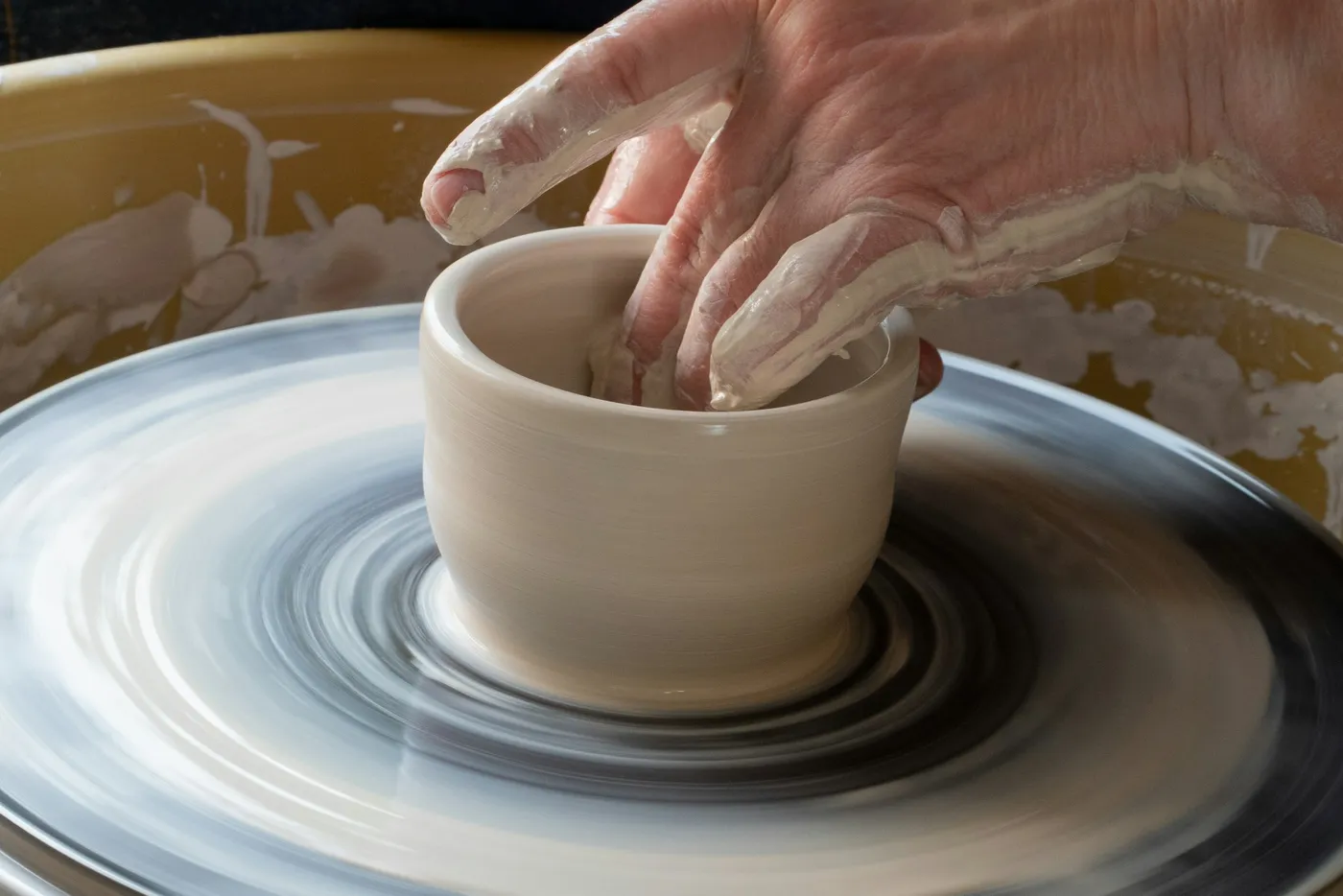
Remember how you made it.


Scale it exactly. Not approximately.
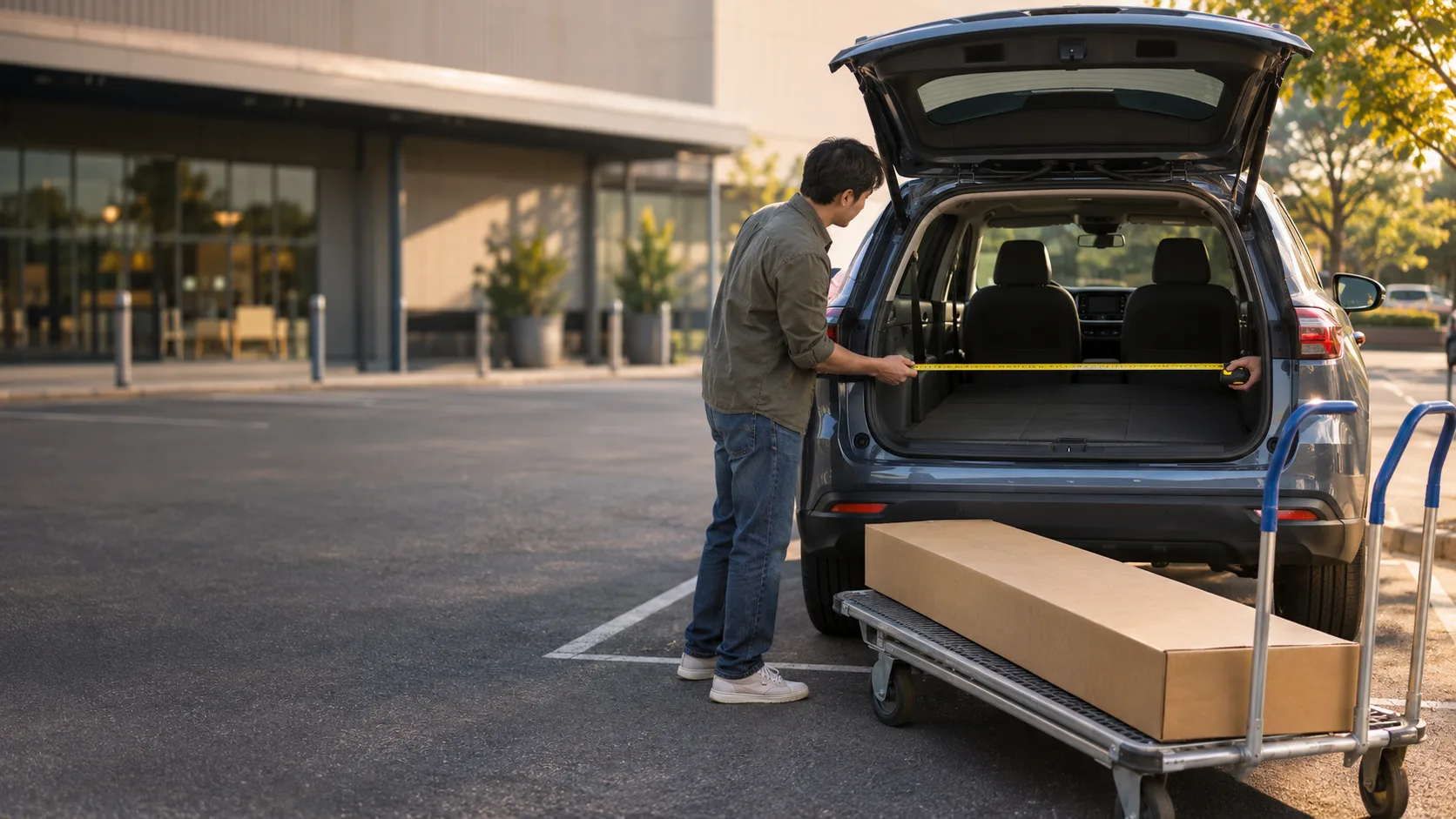
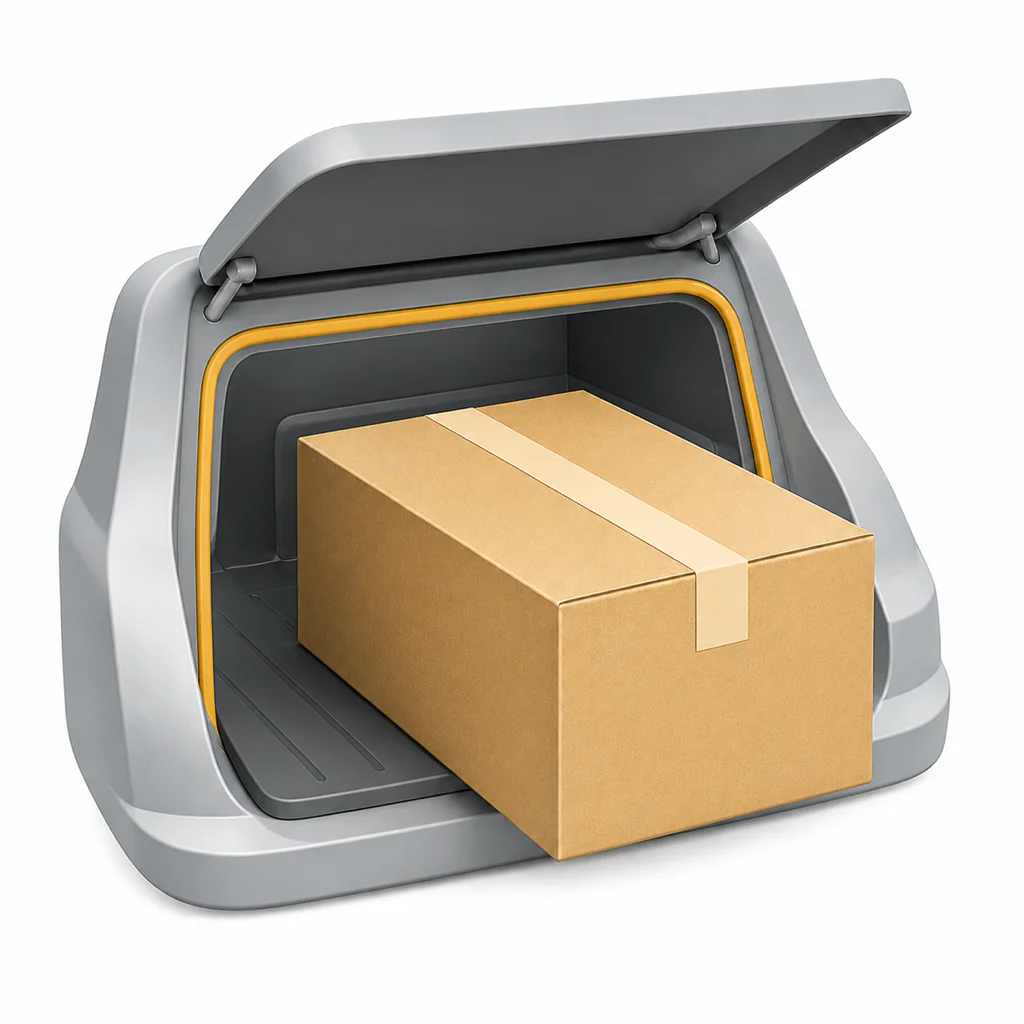
Will it fit in your car?


The right gift, ready in time.


Know what to order before you order it.


Take the same photo again, years later.
Remember what actually fit.


Get the haircut you asked for.


Mix the color you’re after.